INSTALLATION GUIDE
01
Extract the Archive
Locate your downloaded file and extract the "TwilightPrincessPort" folder to your desired location on your PC.
02
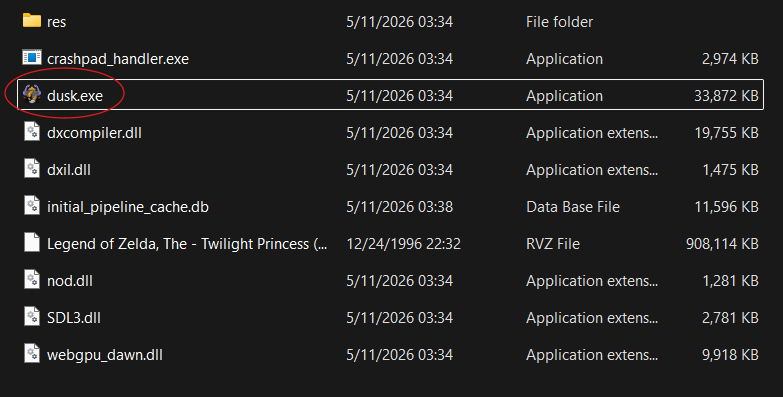
Launch the Executable
Open the folder and startup Dusk.exe.
03
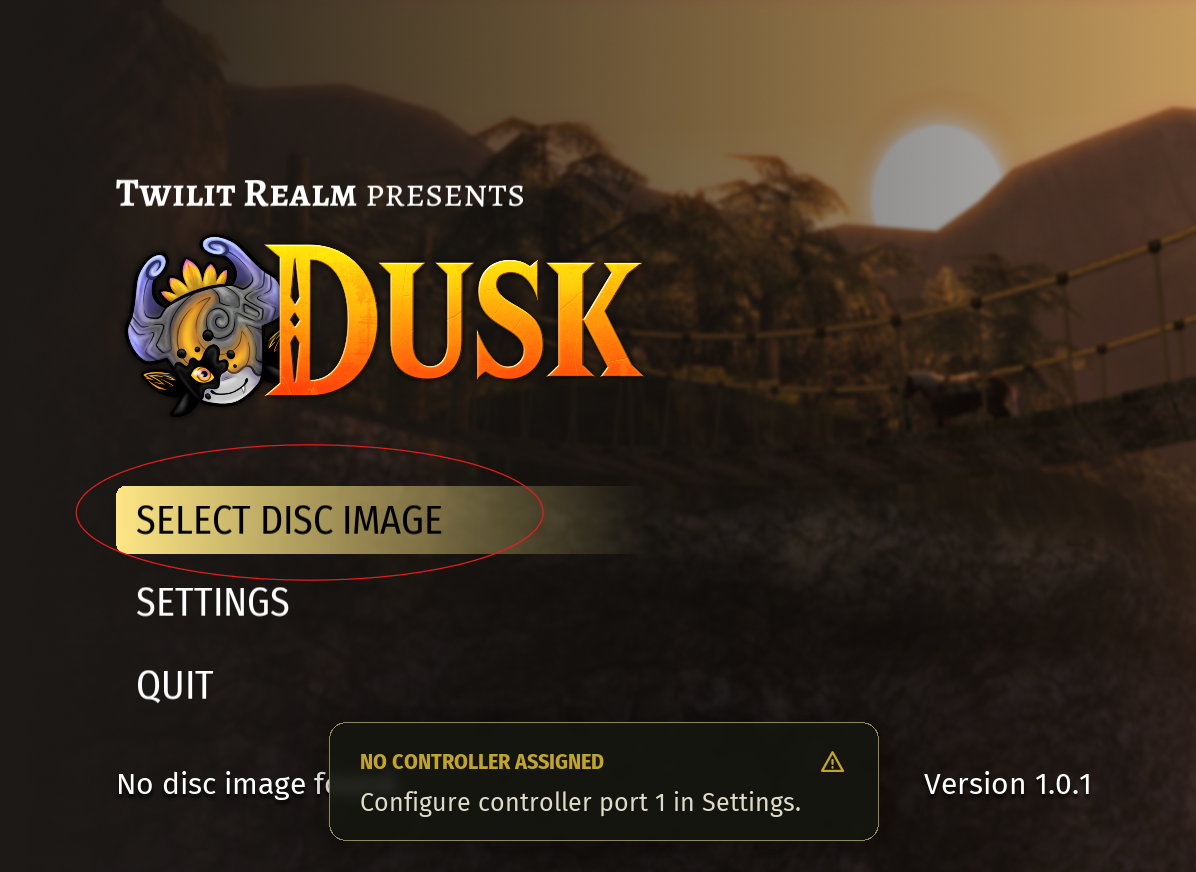
Install Game Files
Once the launcher is open, click the "Select Disk Image" button to find youd Disc Image
04
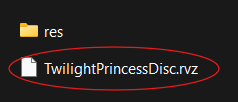
Select Disc Image
Find the "TwilightPrincessDisc" file to begin compiling the game.
05
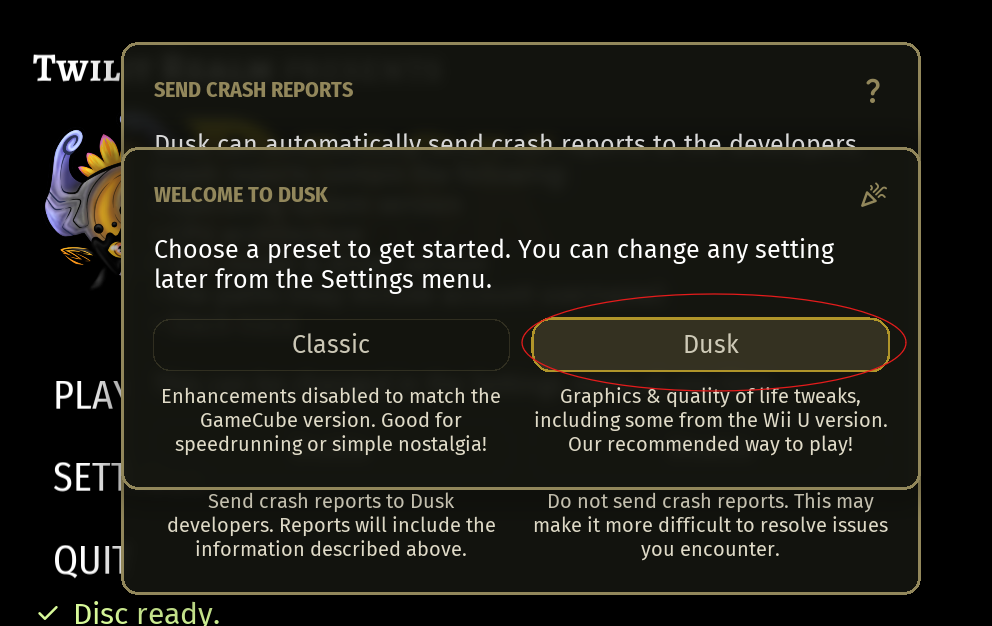
Enhance Your Experience
Optional: Press the Dusk Preset. This enables various Quality of Life improvements.